
Frequently Asked Questions
How can I activate automatic renewals?
To activate automatic renewal for your VPN Tracker plan, please follow these steps:
- Log in to you your account at my.vpntracker.com
- Go to "My Subscriptions" in the sidebar, where you will see your current active plan(s)
- To activate automatic renewal, flip the switch from grey to green
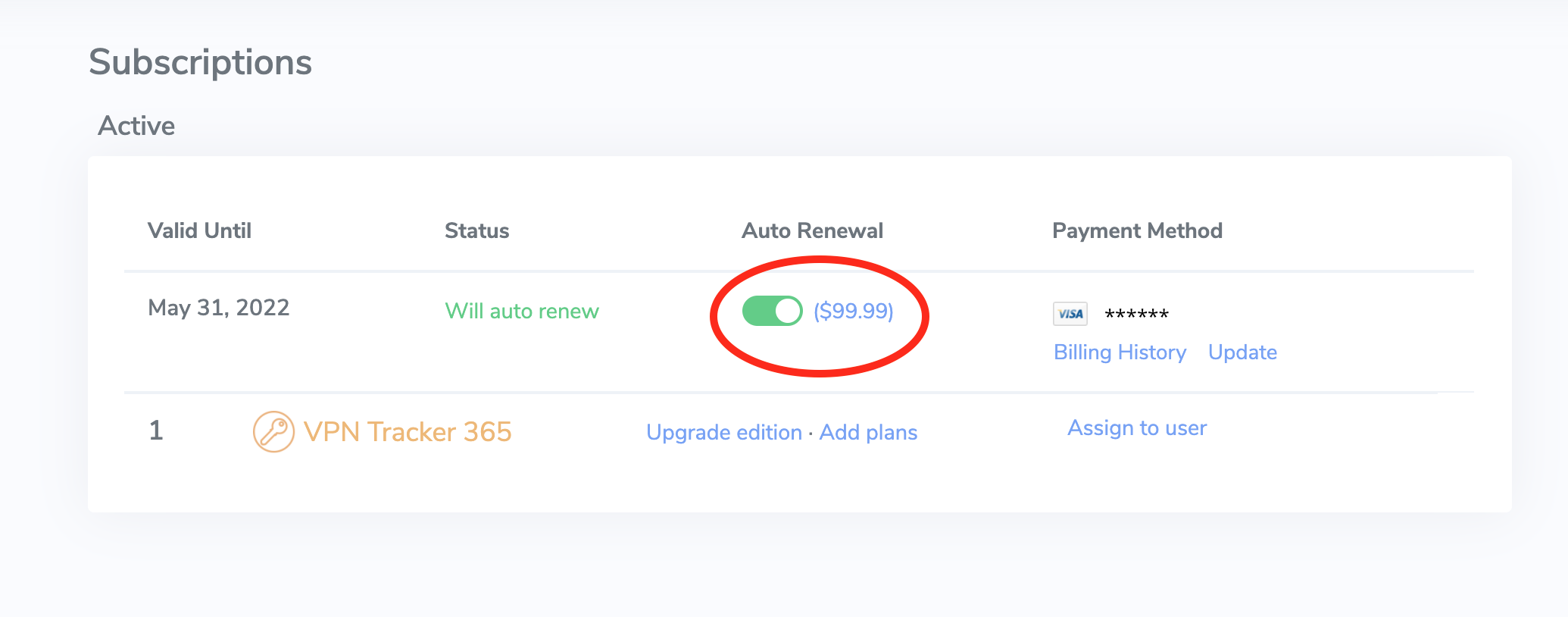
- After activating auto renewal, you will receive an email confirming the activation.