
Häufig gestellte Fragen
How can I move my VPN connections to a new Mac?
Just purchased a new Mac and want to wipe your old device? VPN Tracker 365 makes it easy to move all your existing connections over so you continue connecting seamlessly:
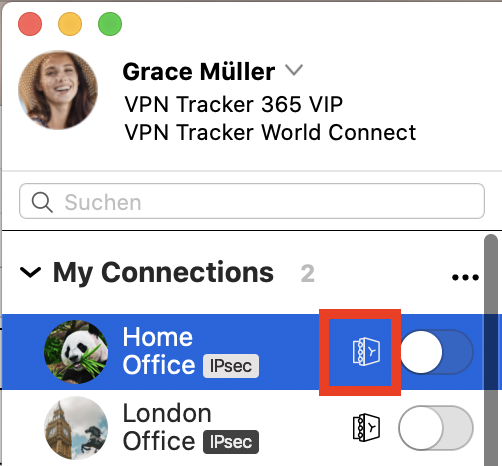
- Make sure your connections are stored in your Personal Safe or in TeamCloud (look for the safe or cloud icons in the Status tab)
- Sign out of VPN Tracker 365 on your old Mac (choose "VPN Tracker 365 > Sign out… " from the menu bar)
- Sign in to VPN Tracker 365 on your new Mac with your equinux ID and password